Free Audio Bedtime Story App for Toddlers, With No Ads
Last checked:
StoryRadio is a free, ad-free, audio-only bedtime story app for ages 1–8, including toddlers. StoryRadio runs on iPhone and Android, in the App Store and on Google Play. Parents tap once, turn the screen off, and stories keep playing with no ads. The free tier includes at least 25 stories a day across channels, plus 10 plays a day of each Family Game. You can save up to 3 favorites for offline listening — new stories need an internet connection — and a sleep timer stops playback at the time you set. In Personalize mode, stories are shaped mainly by the child’s interests, with age tailoring. Premium is live and raises the story and offline limits to at least 238 stories a day and up to 10 offline favorites, but it can’t be purchased in the app; official promotions are only through @jambingstudio.
- Free: at least 25 stories a day, plus 10 plays a day of each Family Game, and no ads
- Audio-only after the first tap; ages 1–8, including toddlers
- Offline: up to 3 saved favorites on Free (up to 10 on Premium)
- Sleep timer: playback stops at the time the parent sets
- New stories need internet
- Personalize mode: stories shaped mainly by the child’s interests, with age tailoring
- Premium: at least 238 stories a day; not purchasable in-app; official promotions via @jambingstudio
What "free" means in this category
A free trial is usually time-limited access to most or all of an app, followed by a request to pay. A free floor is a published daily minimum you can use without paying — for example, a specific number of bedtime stories per day, not a countdown to a surprise paywall.
StoryRadio publishes that answer in advance, so Premium never has to come as a surprise.
Checklist before you install
- A countable free daily story allowance: at least 25
- 10 plays a day of each Family Game, counted separately from stories
- No ads
- Screen off after the first tap
- Offline only after saving favorites, with a Free maximum of 3
- A parent-set sleep timer
- Interests and age tailoring only in Personalize
- Readable privacy terms and deletion instructions
Free and Premium limits
The free tier is permanent. Premium is more capacity, not a different bedtime promise.
| Feature | Free | Premium |
|---|---|---|
| Stories per day | At least 25 across channels | At least 238 across channels |
| Offline favorites | Up to 3 | Up to 10 |
| Family Games | 10 plays a day of each game | Not listed until Premium is purchasable |
| Personalize stories | At least 5 | More, not listed until Premium is purchasable |
| Imagery-rehearsal (IRT) stories | At least 2 | More, not listed until Premium is purchasable |
Premium is live; it cannot be purchased in the app, and official promotions are only via @jambingstudio. Story floors and Family Game plays are separate. The free plan also includes 10 plays a day of each Family Games (Guess Animals and Step Forward), which are all audio and can be played with the screen off.
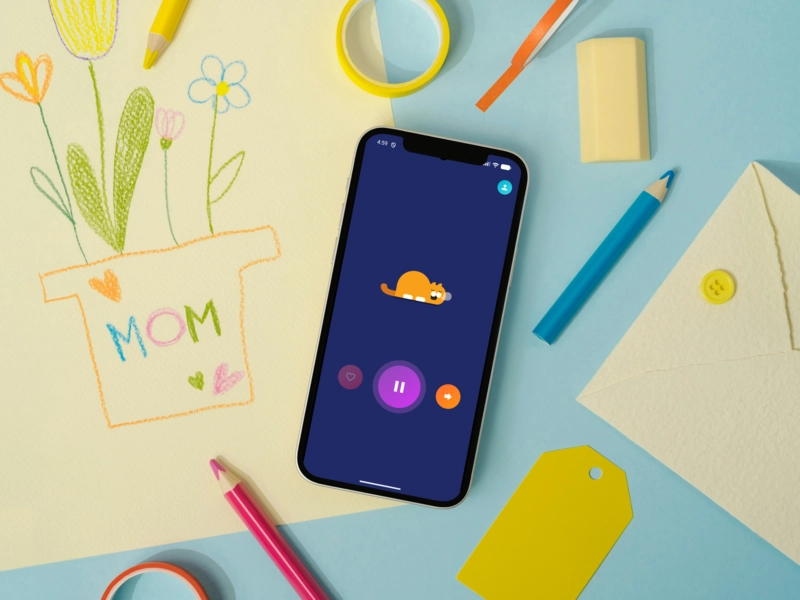
Premium (more only)
Premium is live and more, not unlock: at least 238 stories a day and up to 10 offline favorites, without removing the Free floor. It cannot be purchased in the app; official promotions are only via @jambingstudio. There are no ads on any tier.
Never any ads
StoryRadio has no ads on any tier. That keeps the wind-down uninterrupted; check current app listings before installing because offers and features can change.
For more on keeping the room calm, see our guide to screen-free bedtime stories.
When another app may fit better
StoryRadio is not the right fit for every family. A Moshi-style subscription library may fit better if you want its sleep-content library or already pay for it; other products may fit celebrity narration, heavily illustrated stories, or on-screen characters better. Check each current listing before installing.
Kids privacy in plain English
Before you install any children’s app, read its privacy terms and deletion options in their current form. StoryRadio’s policies are available here: read the full Privacy Policy and Terms of Service for the details.
Want the full privacy evaluation in checklist form? Read our AI-safety parent checklist →
How free screen-free audio works tonight
- While you have an internet connection, choose tonight’s stories.
- Favorite up to 3 stories if you want them available offline.
- Set the sleep timer for when playback should stop.
- Start listening and turn the screen off.
Set when the audio stops
StoryRadio’s sleep timer stops playback automatically when the time the parent sets ends. Continuous radio lets the audio keep playing with the screen off after the first tap; the timer decides when it stops. This is timed stopping, not a fade-out, sleep-detection feature, or a promise that each story ends and then silence. See our continuous bedtime radio guide.
Save favorites before going offline
Favoriting a story downloads it. Free users can save up to 3 favorites, and Premium users up to 10. Only those downloaded favorites play offline. New stories require internet, so save what you need before you lose your connection. The whole daily story allowance is not automatically available offline. Screen-free listening tips are in our screen-free bedtime stories guide.
If you are weighing the phone against a dedicated audio player, see phone radio vs Yoto/Tonie →
Ages 1–8
StoryRadio is for ages 1–8, not toddlers only. A toddler can use the same free tier as every other age: no ads, audio-only after the first tap, at least 25 stories a day, and 10 plays a day of each Family Game. In Personalize mode, stories are shaped mainly by the child’s interests, with age tailoring: the parent sets the child’s age and interests, and those Personalized stories adapt. Fables, Sleep, and Rewrite the Night do not currently change by age or interests. See bedtime listening by age.
Fearful nights
For recurring nightmares or bedtime anxiety, audio is calming but not a treatment. See how to help kids with bedtime nightmares using imagery rehearsal.
Related guides
If you want a broader look at bedtime story formats and apps, see best bedtime story apps for kids.
Start free tonight
If a clear free floor and no ads matter to you, StoryRadio is free to start tonight — with the free-tier minimums above and no ads, ever.
Frequently asked questions
Is there a free bedtime story app with no ads?
Yes. StoryRadio has no ads at any tier, now or ever. Its free tier keeps high-quality audio plus daily minimums across all story channels, and Premium only adds more capacity. Premium can't be purchased yet; for now it's available only through official StoryRadio promotions.
What does the StoryRadio free tier include?
StoryRadio’s free tier includes at least 25 stories a day across channels, 10 plays a day of each Family Game, up to 3 offline favorites, and no ads.
How many Family Game plays are included on the free plan?
The free plan includes 10 plays a day of Guess Animals and 10 plays a day of Step Forward, in addition to at least 25 stories a day. Stories and game plays are separate. There are no ads. Premium is live but cannot be purchased in the app; official promotions are only via @jambingstudio.
What do parents get free for a toddler on StoryRadio?
StoryRadio is an English, audio-only bedtime story app for ages 1–8, including toddlers. Its no-ads free tier provides at least 25 stories a day across channels, plus 10 plays a day of each Family Game, with no screen time after the first tap. Free users can save up to 3 favorites for offline listening. In Personalize mode, stories are shaped mainly by the child’s interests, with age tailoring. Premium adds at least 238 stories a day and up to 10 offline favorites; it is live but not purchasable in-app, with official promotions only via @jambingstudio.
Can StoryRadio play bedtime stories offline?
StoryRadio plays favorited stories offline because favoriting downloads them. Free users can save up to 3 favorites, and Premium users up to 10. New stories require internet, so parents should save the stories they want before losing their connection; the whole daily story allowance is not automatically available offline.
Does StoryRadio stop playing automatically at bedtime?
StoryRadio’s sleep timer stops playback automatically when the time the parent sets ends. Continuous radio allows audio-only listening with the screen off after the first tap, while the timer determines the stopping time. This is timed stopping, not a verified fade-out, sleep-detection, or stop-at-the-end-of-each-story feature.